
All features
Auto Clips · ClipPush Pro
Upload the full video. Review the moments worth using.
Start with a landscape podcast, interview or long-form video. Choose the maximum length and number of clips, then ClipPush transcribes it and makes vertical candidates for review.
Join the waiting list Pro plan
Distribution workspace Upload clips
Episode intelligence
42 posts this monthBest moments
Turn a full conversation into a queue of strong vertical clips ready for review.
Source episode
Analysis completeHow creators build an audience that stays
01:27:42 · Maya Chen and Jon Bell
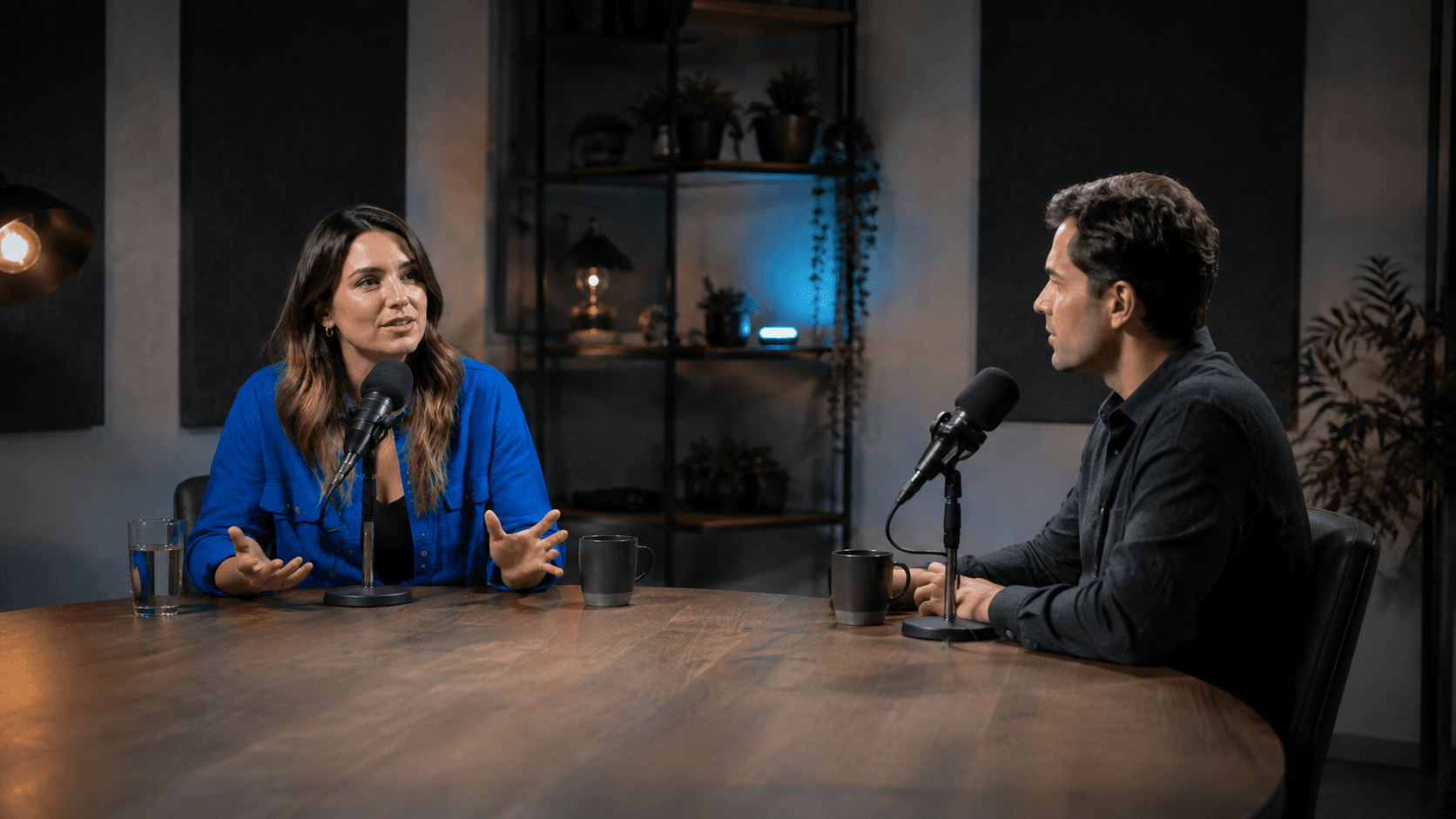
What changes
Move from a long recording to a reviewable short-form batch.How it works
Clear enough to use on the first campaign.
Build a useful shortlist
ClipPush looks for sections that make sense on their own, rather than arbitrary slices of the timeline.
Follow the speaker
Auto Clips keeps the person talking inside a stable vertical composition and cuts cleanly when the speaker changes.
Review the finished clips
Open the generated clips in your library, edit where needed and choose which moments become campaign releases.
Episode analysis
A 78-minute conversation becomes ten candidates
The producer asks Auto Clips for ten moments, reviews the results and chooses four for the release campaign.Before ClipPush1 full-length episode
With ClipPush10 vertical candidates
Keep exploring
Features that work with this one.
Ready for the next batch?