
Connect in beta
Coming soon: social video scheduling for creators
Make the clips. Push them everywhere.
Bring the week’s finished clips and Shorts into one place. Shape the wording for each platform, check the dates and approve every release before it goes anywhere.
Account registration opens when ClipPush is ready.
Demo campaign queue6 clips ready
The TV finale that divided usBluesky · Telegram · Mastodon
Songs we pretend not to loveX · Bluesky · Telegram
Would you survive reality TV?Mastodon · X · Bluesky
Publishing destinations
Meet your audience where they watch.
Coming soon
Connect in beta
TikTok
Coming soon
Coming soon
Threads
Coming soon
Connect in beta
Bluesky
Coming soon
Connect in beta
Telegram
Connect in beta
Mastodon
Connect in beta
X
Coming soon
Snapchat
The workflow
Plan the week from one batch of clips.
Upload the files. Review the words. Set the dates.
01
Bring in the batch
Add finished clips or begin with a full episode.
02
Check the release plan
Review the clips, captions and destinations side by side.
03
Set the dates
Choose the cadence, then approve each platform release.
Time back
Give the week one proper planning session.
Start with the finished batch. ClipPush brings the platform drafts and timing together, so the checks happen in one place.
Repetitive postingOne release plan
Upload onceKeep the source files together.
Make it sound like youSet the tone, humour and energy.
Set the release timesCheck the plan before it joins the queue.
One batch. A considered review. A clear calendar.
ClipPush Pro beta
Start with the episode. Build a shortlist of clips.
ClipPush finds self-contained moments, reframes the active speaker and prepares vertical candidates for you to review.
- Looks for self-contained moments
- Keeps active speakers in frame
Episode 17 · The Weekend Catch-Up01:27:42 · Full episode
10 clips found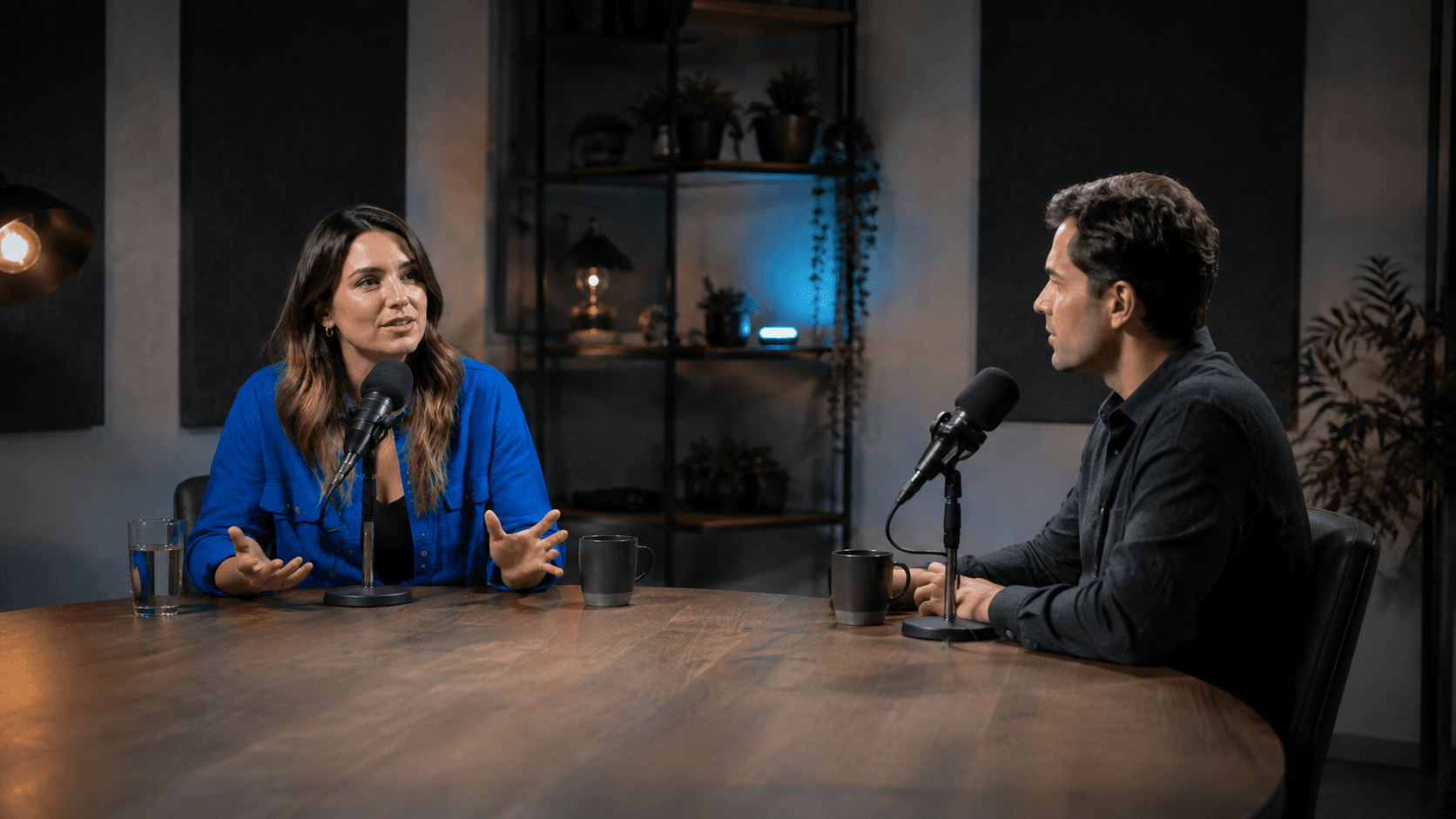 Source episode01:27:4201The TV finale that divided usStrong opening · 00:4602Songs we pretend not to loveComplete moment · 01:1203Would you survive reality TV?Active speaker · 00:58
+ 7 more clips ready to review
One campaign workspace
Every clip, caption and decision in view.
Review every platform version before anything goes live.
Tuesday, 8 September
New campaignGood afternoon, Maya.
Upcoming12scheduled posts
Processing2clips in analysis
Published28this month
Needs attention1release to review
The Weekend Catch-Up · Next up
Your publishing queue
The TV finale that divided us09:30 todayReadySongs we pretend not to love2:00 tomorrowScheduledWould you survive reality TV?3:00 tomorrowScheduled Platform-specific copy Thumbnail choice Human approval Visible publishing status
Campaign control
The release checks, in one place.
Captions, platform copy, thumbnails and scheduling in one place.
See the workspaceYour transcript, turned into captions
ClipPush reads the transcript and automatically writes captions for each selected platform, saving you from writing every post from scratch.
Explore your transcript, turned into captionsEpisode-to-clip shortlist
Turn a full episode into vertical candidates you can review.
Explore episode-to-clip shortlistCopy shaped for each platform
Prepare wording that suits the place you are posting.
Explore copy shaped for each platformA calendar for the full batch
See the week’s release plan in one place before anything goes live.
Explore a calendar for the full batchAI-generated thumbnails
Give every clip a cover worth stopping for.
A paused interview frame rarely tells the whole story. Create a thumbnail with your guest, your podcast branding and a title that gives people a reason to watch.
- You set the direction.
Add guest photos, logos and style references. Plan the look before you generate.
- Each clip gets its own cover.
ClipPush uses what the clip is actually about to shape its headline and design, with your branding running through the set.
- Create the whole batch.
Select multiple clips and generate their thumbnails together. Review the results and refine individual covers as needed.
BeforeA frame from the interview
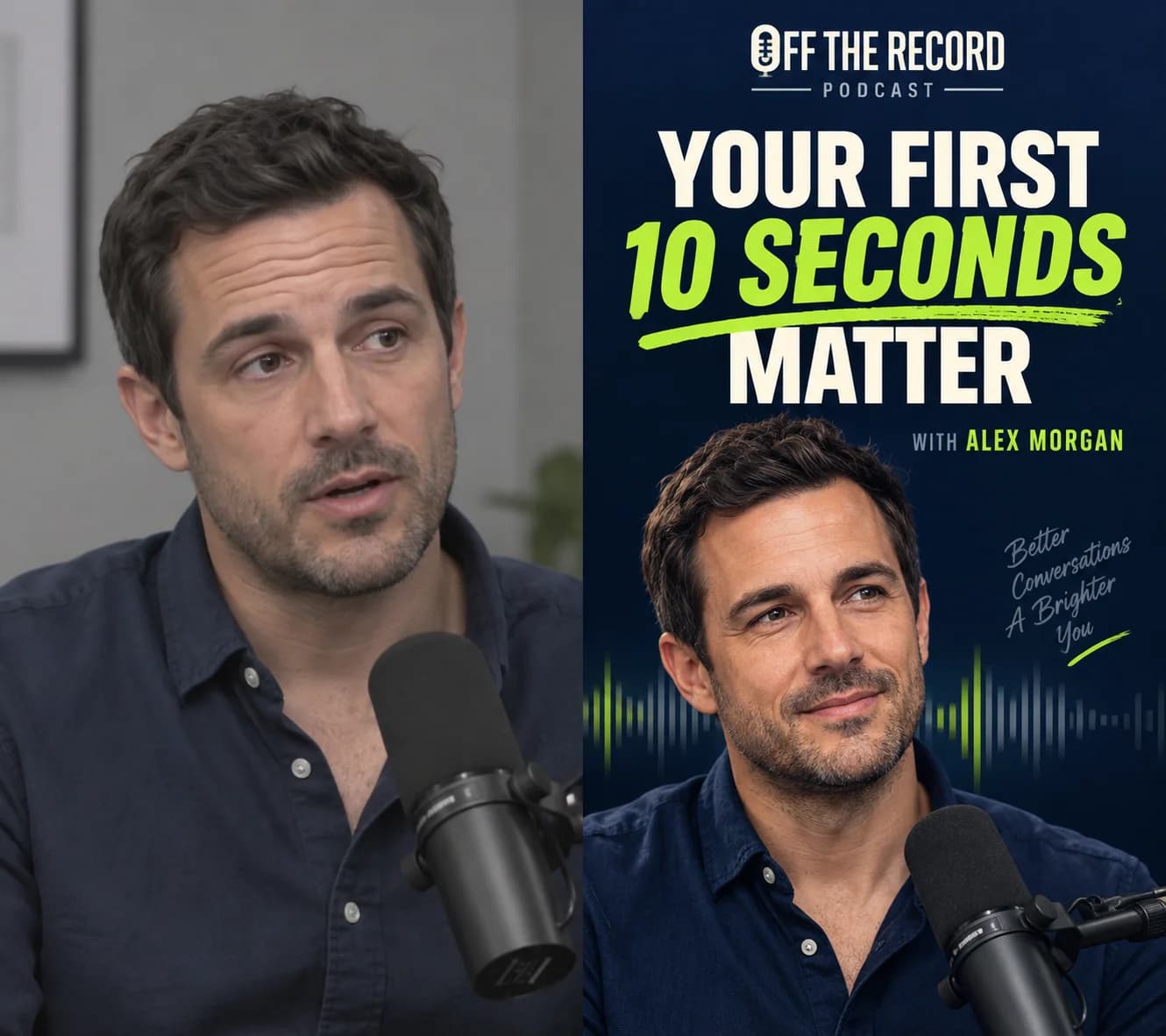
AfterA cover designed for the clip
Publishing calendar
See the whole week before anything goes live.
Every clip and destination in one weekly view.
- 12
- Scheduled
- 4
- Destinations
- 3
- Need review
Published
The TV finale that divided us
Scheduled
Would you survive reality TV?
Open slot
Scheduled
Songs we pretend not to love
Needs review
The reboot nobody asked for
Open slot
Scheduled
This week’s watchlist
PublishedScheduledNeeds reviewProduct preview
Testimonials
The bit after export finally feels finished.
Now I can see the whole release, fix the captions and approve it while the film is still fresh in my head.
One episode becomes a week of social posts without the spreadsheet and endless tabs.
Every platform gets its own copy, and nothing goes live before I check it.
The calendar gives our team one clear view of what is ready and what still needs a decision.
Uploading the full episode and getting the strongest moments back removes the slowest part of the job.
Good questions
Know what happens before you connect anything.
Can I schedule a batch of podcast clips?
Yes. Upload your finished clips together, choose connected accounts and set the campaign start date and cadence. Review each clip and its platform copy before approving the posts for the queue.
Can I give the same video a different caption on each platform?
Yes. Each destination has its own draft, so you can edit a YouTube title separately from a social caption. Review the available fields for each connected platform before approval.
Does ClipPush edit my videos?
Bring finished clips or a full episode. ClipPush prepares the social campaign after the edit.
What are automatic captions?
ClipPush drafts social captions, titles and hashtags from each transcript. You can edit every word.
Will the same caption be posted everywhere?
No. Each platform gets its own version, ready for you to review.
Which platforms can I connect today?
YouTube, TikTok, Bluesky, Telegram, Mastodon, X are available to connect in beta. Other destinations are marked coming soon. Check the platforms page for current availability before planning a campaign.
Can ClipPush publish without my approval?
No. You approve every release before publishing starts.
Early access
Make room for the work only you can do.
Bring a batch of finished clips. Leave with a reviewed publishing plan and copy that is ready for each destination.
Join the waiting list