
Content creation
Before you turn a transcript into ten other things, check it.
A transcript can end up in your captions, show notes, chapter titles and next week's newsletter. One mangled name can have quite a career. Give the text a proper check before you start passing it around.
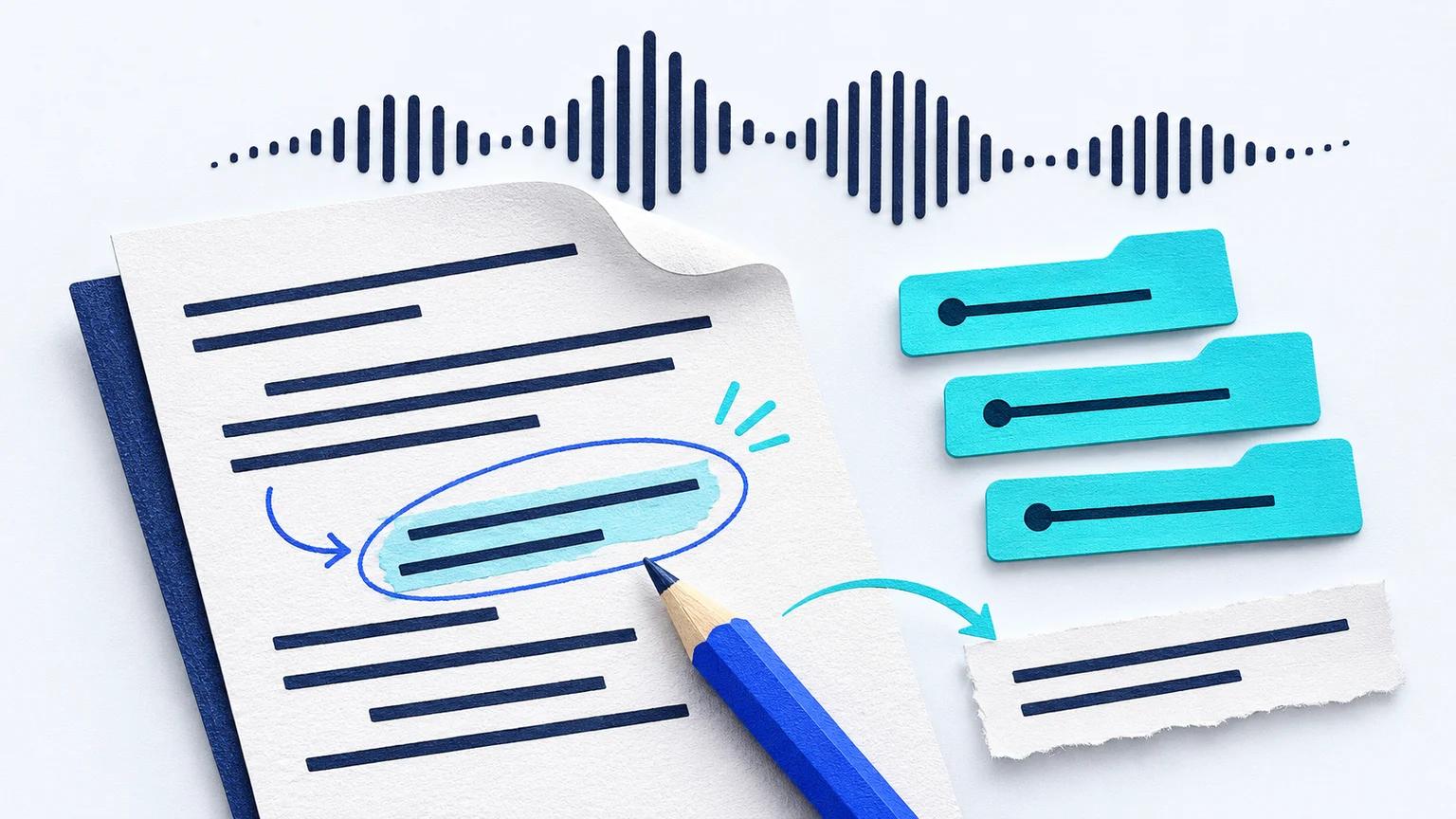
Imagine interviewing a location sound recordist about radio microphones. The conversation goes well. The transcript turns a manufacturer's name into an ordinary noun, misses a small but rather important 'not', and attributes a complaint about equipment to the wrong speaker. Then you use it to write the episode summary.
By lunchtime, the same errors have acquired a LinkedIn post and some beautifully formatted captions. The spelling is consistent, which is something. Unfortunately, it's consistently wrong.
Automatic transcription is useful precisely because the text can go so many places. That also makes it worth treating as an editorial source. Here is a workable way to check a transcript, build clearer chapters and stop a small mistake becoming the organising principle of your entire release.
The text is part of the player now
Apple's listener guide, updated on 14 September 2026, describes transcripts as something people can follow, search and use to jump into an episode. It also explains how chapters and timed links appear alongside the conversation. This is a working listening interface, not merely a document parked beneath the audio. [Apple Support: view episode transcripts on iPhone and iPad]
Think about the person returning to a useful explanation three days later. They remember the guest mentioning radio interference, but not the episode's minute-by-minute itinerary. A recognisable term in the transcript or a clear chapter heading gives them something to look for. An amusingly inaccurate version of the term makes that job harder.
The practical opportunity is modest and worthwhile: make the episode easier to understand and revisit. You don't need a theory about what the algorithm likes to justify spelling your guest's name correctly.
Start with the audio you are actually publishing
Give the transcript a clear source file. If the editor removes four minutes from the interview after transcription, text tied to the earlier recording may no longer line up with the release. A lovely set of timecodes is less useful when every one points slightly to the left of the conversation.
Keep the final audio, its timecoded transcript and the chapter list together, with a release version in the filenames. For example, 'episode-24-release-v2' is more informative than another file called 'final-final'. If the audio changes, flag the related files for another check rather than relying on whoever notices first.
For a small team, this can be one line in the release checklist: which audio export does this text describe? Answer it before polishing paragraphs. Otherwise, you risk spending half an hour perfecting a transcript for an edit nobody will hear.
Check meaning before punctuation
Start with the words that would cause trouble if someone copied them. Guest names, specialist terms and the titles of things deserve particular attention. Check spellings against the guest's supplied material or the original source. Don't let a plausible-looking transcript settle the question for you.
Then check numbers and qualifications against the recording. 'About fifteen' is different from 'fifty'. 'We didn't use that microphone' becomes a different piece of advice when the negative disappears. You can often spot these passages by searching for numbers, model names or the main terms discussed, then listening around each match.
Pay attention to speaker changes too. If the host asks, 'You wouldn't recommend that?', the next person's answer needs to remain attached to the right voice. A transcript can contain every word and still give the wrong impression if it presents the exchange as one person's statement.
For an unfamiliar subject, ask the guest to check a short list of disputed names or terms. A targeted question is easier to answer than a request to proofread an hour-long conversation. If you cannot resolve a word, mark the uncertainty instead of quietly replacing it with an educated guess.
Keep the conversation intact
There is a difference between correcting a transcript and improving someone's answer. Fixing 'radio Mike' to 'radio mic' may restore what they said. Rewriting a hesitant answer into a confident recommendation changes the performance and possibly the meaning.
If the transcript will follow the audio, keep it faithful to that audio. Add punctuation to make the speech readable, identify the speakers where the format supports it, and resist turning every sentence into magazine prose. A transcript reader should not have to wonder why the guest seems to be delivering a different interview.
You can make an edited article from the conversation afterwards. Give that its own file and present it as an adaptation, with paraphrases and direct quotations kept distinct. Separating those jobs saves a surprising amount of confusion when someone later asks which version is safe to quote.
Listen around the joins
Once the wording is sound, check a few navigation points against the release audio: the start of a substantive answer, a speaker handover, a later section and the closing conversation. The aim is to find a timing problem before a listener does, not to admire the accuracy of the opening thirty seconds.
If tapping a passage lands halfway through a sentence, investigate the source export and its timing. Don't repair the opening timecode and assume the rest will follow. A cut made later in the recording may create a second mismatch while the beginning remains perfectly aligned.
Keep different release versions in mind as well. A version with an extra introduction needs its own timing check. Apple also notes that dynamically changed audio segments may not appear in its original transcript. Check the version and listening route you intend to support rather than assuming every listener hears an identical file. [Apple Podcasts for Creators: transcripts]
Give chapters a job beyond breaking up the hour
Apple currently generates chapters for eligible English full and bonus episodes from iOS 26.2, excluding trailers and episodes shorter than ten minutes. Creators can supply their own. For chapters placed in the episode description, Apple's instructions say to start at 00:00:00 and include at least three chapters. [Apple Podcasts for Creators: chapters]
Treat that as the delivery requirement, then make an editorial decision about where the conversation actually changes. A new question is not always a new chapter. Three questions about the same recording problem may belong together; a single answer that moves into a different subject may need a boundary of its own.
| Vague label | More useful label | Why it helps |
|---|---|---|
| A Few Thoughts | Choosing a Radio Mic | Names the subject a listener might remember. |
| The Big Problem | Finding Local Interference | Explains what the section deals with. |
| More Advice | Recording a Backup Track | Identifies a concrete action. |
These are hypothetical examples for the sound-recording interview, not proposed headings for every show. Put each marker where the section becomes understandable. If the answer depends on the preceding question, include that question. Dropping a listener onto the word 'Exactly' is a fairly unhelpful welcome.
Find out which transcript the platform is showing
A corrected file on your computer hasn't corrected the published episode. Apple explains that creators can download a transcript, amend it and provide the replacement through their RSS feed, with the setting changed to display their supplied transcript. The hosting provider needs to support that route. Subscriber episodes have a separate upload route in Podcasts Connect. [Apple Podcasts for Creators: transcripts]
Spotify's current guidance describes a different workflow for eligible shows: download the transcript from Spotify for Creators, edit it locally and upload the replacement. It accepts timecoded VTT or SRT files up to 5 MB. Transcript controls are not available to every creator or in the Spotify for Creators mobile app. [Spotify Support: managing episode transcripts]
RSS.com's own help page makes the distinction particularly clear for its customers: a transcript added to the host's feed still needs the appropriate Apple setting, while Spotify requires a direct upload in Spotify for Creators. Check your own host's instructions rather than assuming a single upload replaces every platform's copy. [RSS.com: how transcripts work on Apple Podcasts and Spotify]
After updating, open the episode on the destination where the mistake appeared and search for the corrected word. Check the text a listener sees. An upload confirmation establishes that a file was accepted; it doesn't tell you that every app has refreshed or selected that version.
Now let the transcript earn its keep
Use the checked transcript to shortlist passages for show notes, social posts or a newsletter, then return to the audio before quoting. That second listen catches tone, a joke and the qualifying sentence just outside the selected passage. It also reminds you that a tidy block of text isn't necessarily a good clip.
Suppose the recordist explains why a backup track helped in one particular location. Your show notes might accurately describe a discussion about backup recording. A headline claiming that the guest has found the only reliable way to record anywhere would be doing a great deal of additional work on their behalf.
Keep a small reference alongside any chosen quotation: the release filename, speaker and time range. It needn't become a database project. Those details are enough to find the original answer when an editor checks the caption or a guest asks where a line came from.
For video captions, review the exported clip as well. Line breaks that are comfortable in a transcript can be awkward on a phone, especially around names or technical phrases. The words may be approved, but the on-screen reading experience is a separate editing job.
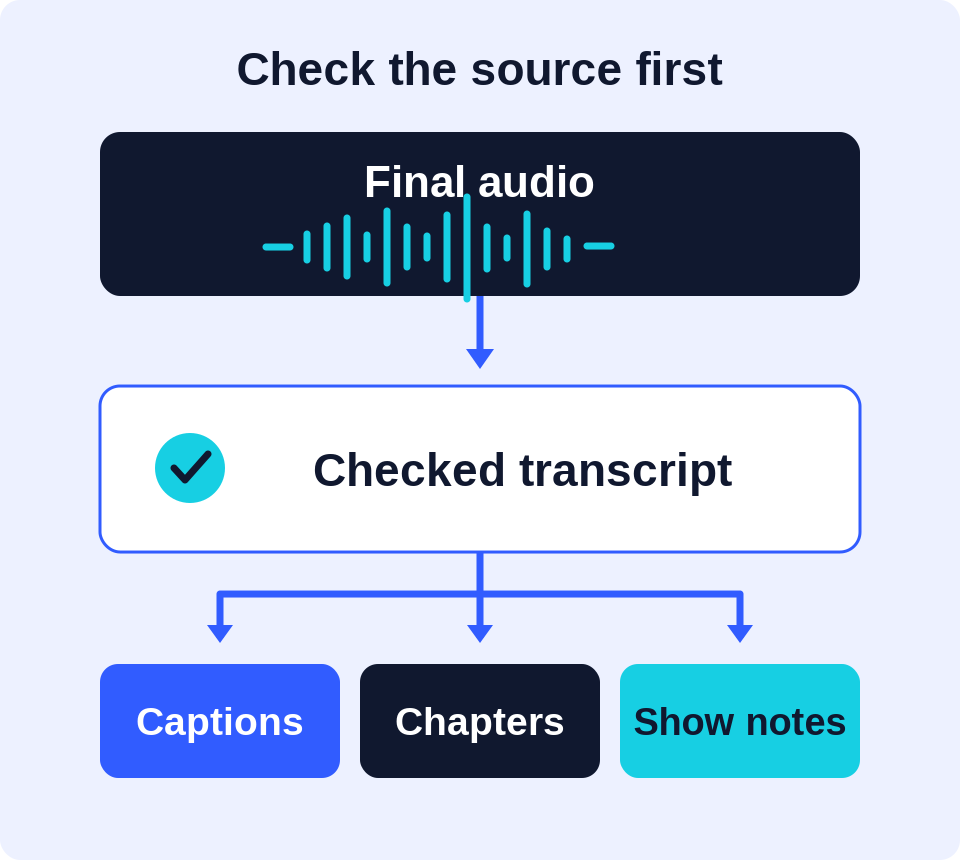
A release check you can reuse
- Match the transcript to the final audio export and keep its version visible.
- Check names, technical language and numbers against the recording or original source.
- Listen again where a negative, qualification or speaker change could alter the meaning.
- Try navigation points near the beginning and later in the episode.
- Read the chapter list on its own. Replace labels that tell a new listener nothing.
- Check each destination's replacement process and the transcript actually displayed there.
- Keep the checked source and time range with any quotation used in a caption or summary.
If you are short of time, check the passages you plan to reuse first, alongside the names and claims that matter most. That is a useful triage step, not a reason to mark the whole transcript as reviewed. Leave a note about what still needs attention.
You don't need to make the guest sound more polished than they were. You need the right words, attached to the right voice, pointing to the right part of the episode. Then the show notes can stop confidently recommending a microphone nobody mentioned.
Sources and further reading
- Apple Support: view episode transcripts on iPhone and iPad
Published 14 September 2026. Primary listener documentation, checked 8 November 2026. Availability varies by episode and device.
- Apple Podcasts for Creators: transcripts
Published Current support guidance; no publication date displayed. Checked 8 November 2026. Covers creator-provided transcripts, replacement through supported hosts and dynamically changed audio. Subscription uploads follow a separate route.
- Apple Podcasts for Creators: chapters
Published Current support guidance; no publication date displayed. Checked 8 November 2026. Automatic-chapter availability and episode-description requirements are platform guidance. The worked headings in this article are illustrative editorial examples.
- Spotify Support: managing episode transcripts
Published Current support guidance; no publication date displayed. Checked 8 November 2026. Transcript features depend on eligibility; the documented editing workflow uses the desktop website and timecoded files.
- RSS.com: how transcripts work on Apple Podcasts and Spotify
Published Support page displays 27 June; year not displayed. Primary guidance for RSS.com customers, checked 8 November 2026. Other hosts may offer different controls.